Solid Design
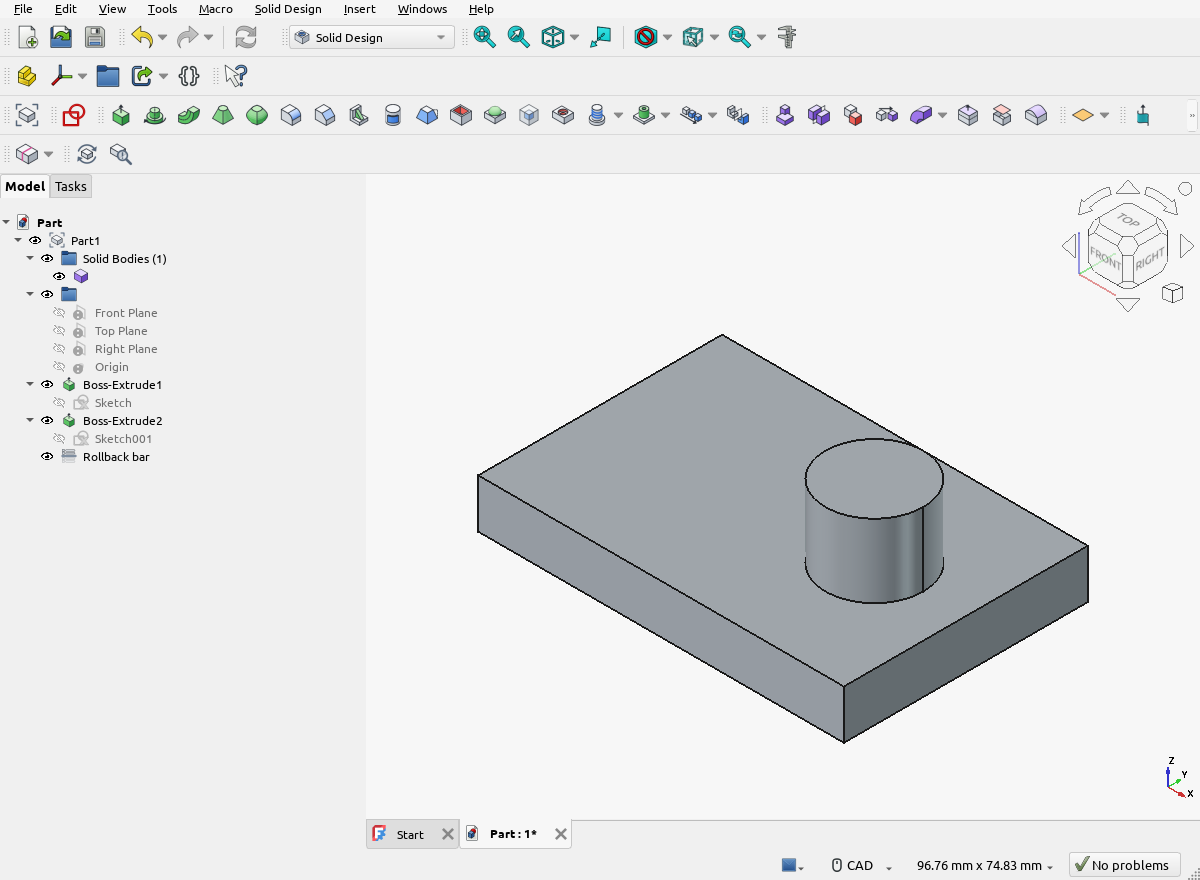
A FreeCAD workbench for modelling parts the SolidWorks way: sketch, then build features on it, with several bodies in one part from the start. The tools, their panels and their names follow SolidWorks, so what you know there works here.
-
New to Solid Design?
Install it, find your way round, and model your first part step by step.
-
Every tool
What each tool does, how to use it, and what every control in its panel means.
-
Guides
Sketch features, picking, drag handles, keyboard modelling, surfaces, and fixing a model that breaks.
-
How it works
Parts and bodies, Add, Cut and Surface, the history, and how features remember what you picked.
What it does
- Multi-body from the start. A part holds as many solid and surface bodies as you need; every feature says which bodies it changes.
- SolidWorks' tools and panels. Extrude, Revolve, Sweep, Loft and Boundary with Add, Cut and Surface in one tool; Fillet, Chamfer, Shell, Draft; the Hole Wizard; every pattern; body, surface and curve tools.
- Fast to drive. Drag handles in the 3D view, a context toolbar by the pointer, command search, and a command line for modelling from the keyboard.
- Stable. Features find their faces and edges again when the model changes, and What's Wrong says what broke, why, and how to fix it.
Always up to date
This site is built from the workbench's latest version. The tool pages, panel descriptions and pictures are generated from its code, so they change when the workbench does.