Command Search
 Find a Solid Design tool by typing its name, then press Enter to start it.
Command Search finds any Solid Design tool by typing a few letters of its name.
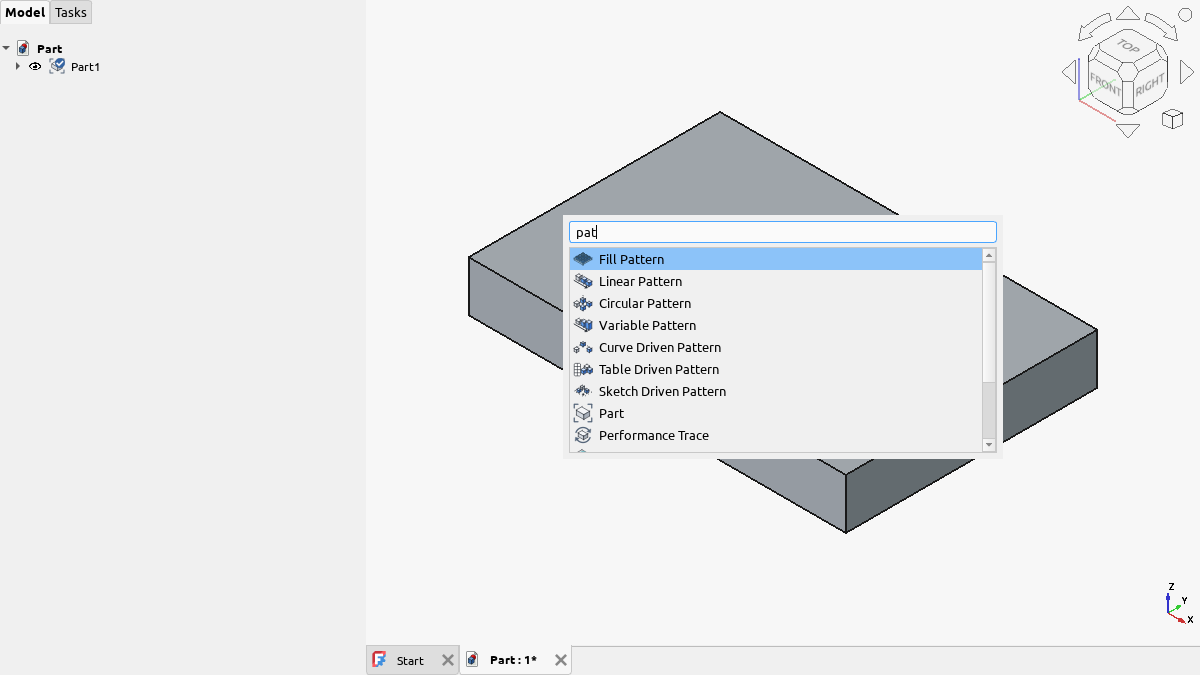
How to use it
- Press / in the 3D view, with no tool open.
- Type part of the name: letters in order are enough ("lpat" finds Linear Pattern).
- Press Enter to start the highlighted tool, or use Up and Down to choose. Esc closes it.
Where to find it
- Solid Design → Command Search
- Command search: press / in the 3D view and type its name.
- Keyboard: /.