Reference Names
 Shows the names of planes, axes, points and coordinate systems in the 3D view.
Reference Names shows the names of planes, axes, points and coordinate systems in the 3D view: a plane's name lies flat in its top left corner, an axis's runs along it near one end, a point's sits just above it. The names stay the same size on screen as you zoom.
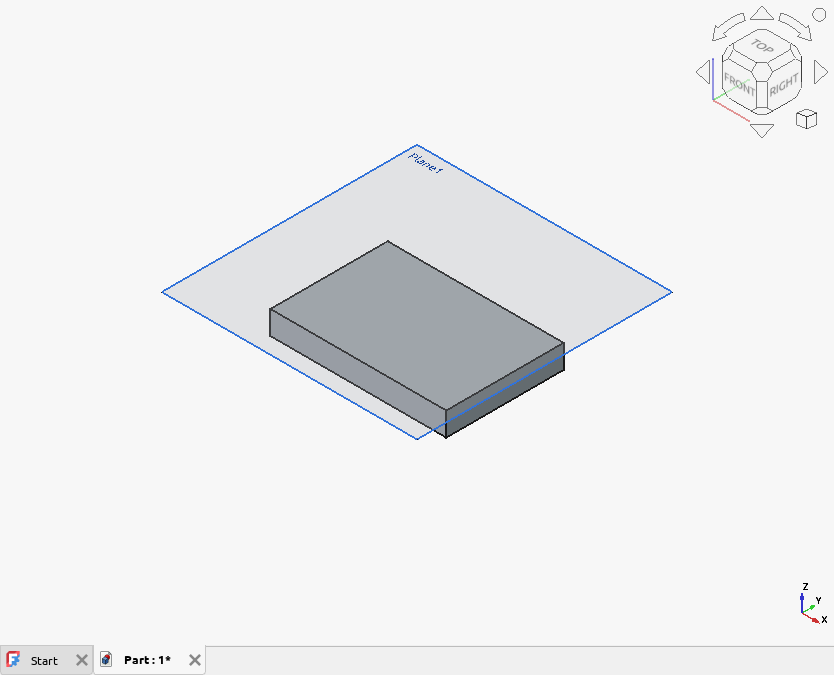
How to use it
- Click Reference Names in the Solid Design menu to turn the names on or off.
Where to find it
- Solid Design → Reference Names
- Command search: press / in the 3D view and type its name.