Sketch
Sketches on the selected plane or planar face.
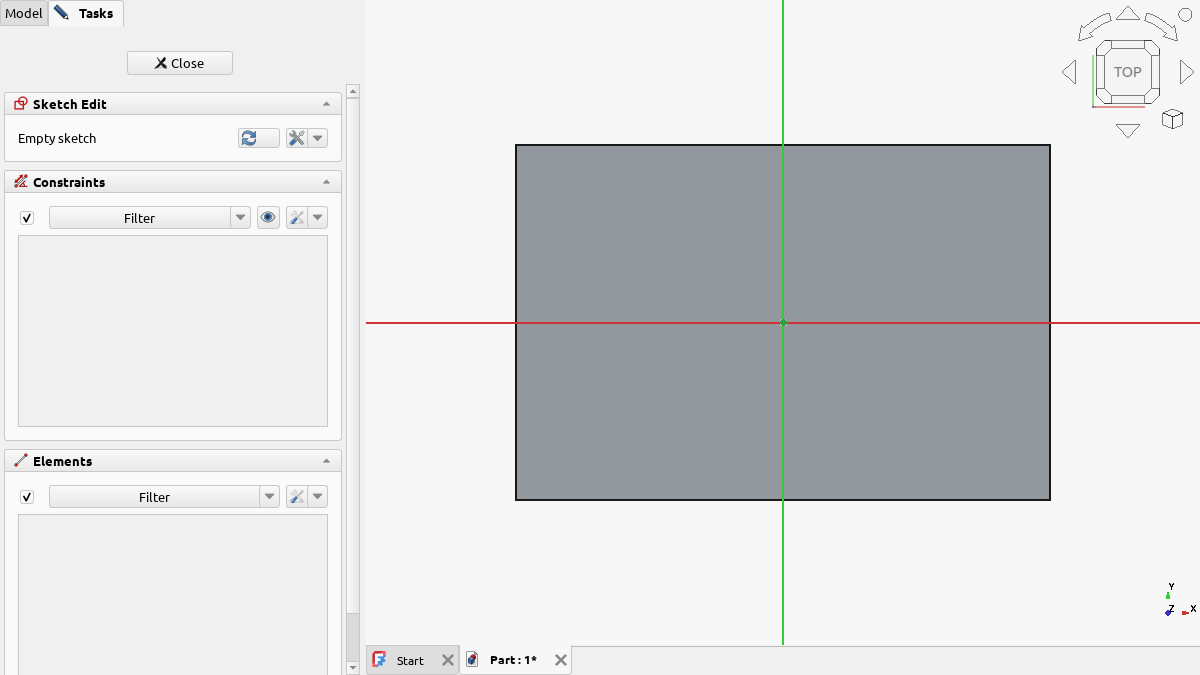
Every sketch-based feature starts here. Pick a plane or a flat face, and FreeCAD's Sketcher opens on it, looking straight at it.
How to use it
- Select a plane (an origin plane, a reference plane) or a flat face of a body.
- Click Sketch (or press S then K). The Sketcher opens on it.
- Draw and constrain your sketch, then click Close in the Sketcher's panel.
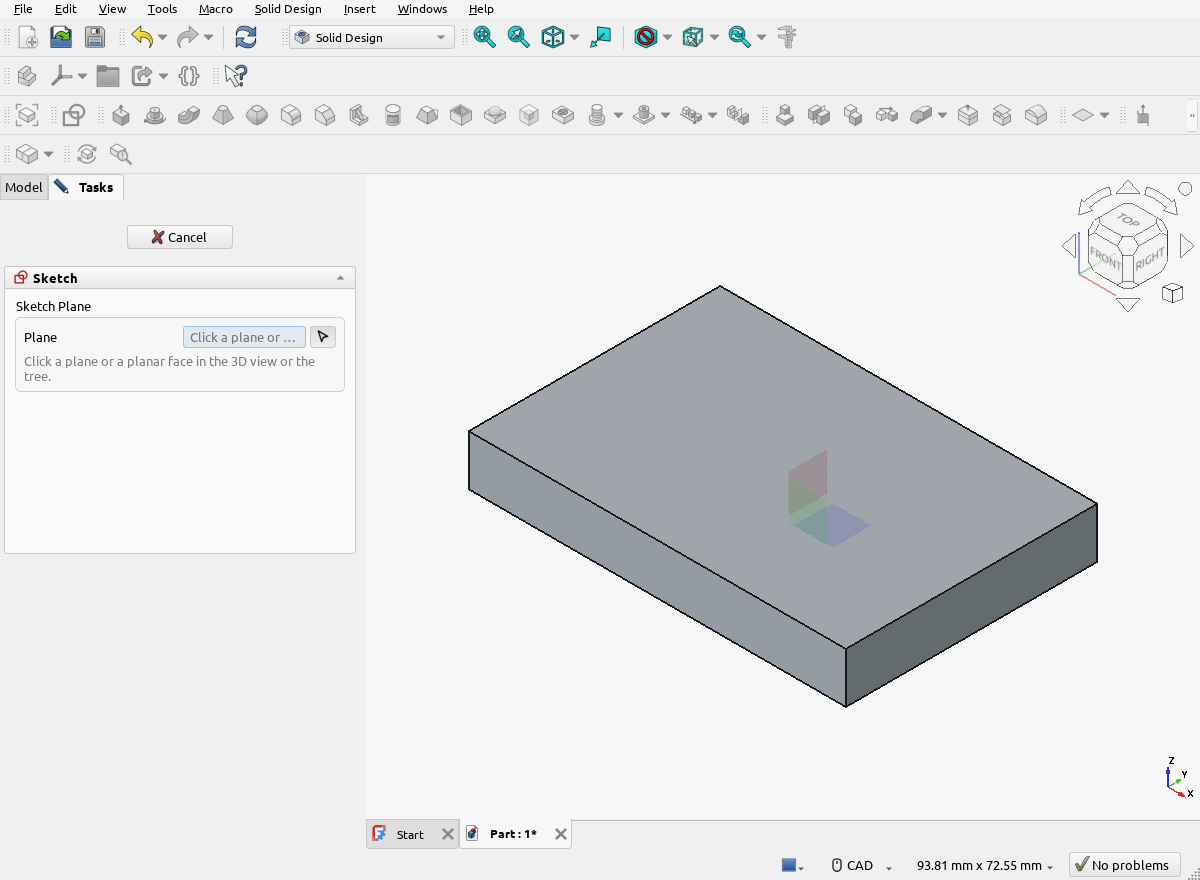
With nothing selected, Sketch shows the part's origin planes and asks you to click one, as SolidWorks does.
Good to know
- Sketch edges of existing bodies can be used straight away: the Sketcher's external geometry tools work as usual.
- A sketch tool such as Extrude with a plane or face selected starts a sketch on it for you, and opens the feature when you close the sketch.
- See sketches and sketch features.
Where to find it
- The Sketch toolbar.
- Solid Design → Sketch
- Insert → Sketch
- Command search: press / in the 3D view and type its name.
- Keyboard: S K.