Drag handles
Many features have handles in the 3D view: arrows for lengths, rings for angles, arcs for draft. Drag one to change the value; the panel's field follows.
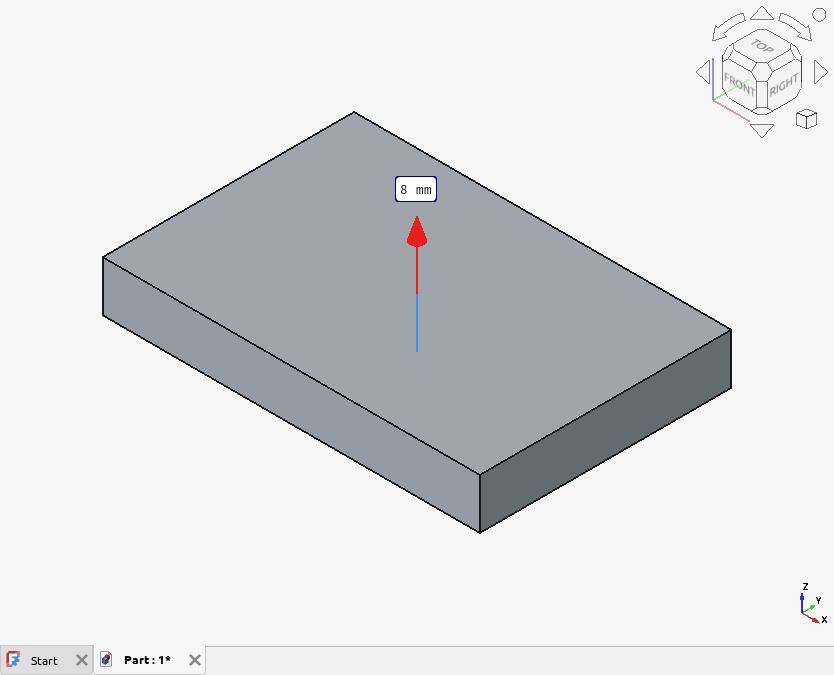
In a panel
While a tool's panel is open, its handles show on the preview. Drag them, or click a handle's value and type a new one.
On a selected feature
Select a feature in the tree (or click a face it made) with no tool open: its handles show, as SolidWorks' Instant3D. Drag one and the feature changes when you let go. One undo step undoes it.
Snapping
Lengths snap to round values as you drag, finer when the value is small; angles snap the same way. Type a value for anything in between.
Drag handles in the reference lists which tools have handles and what each one sets.