Surfaces
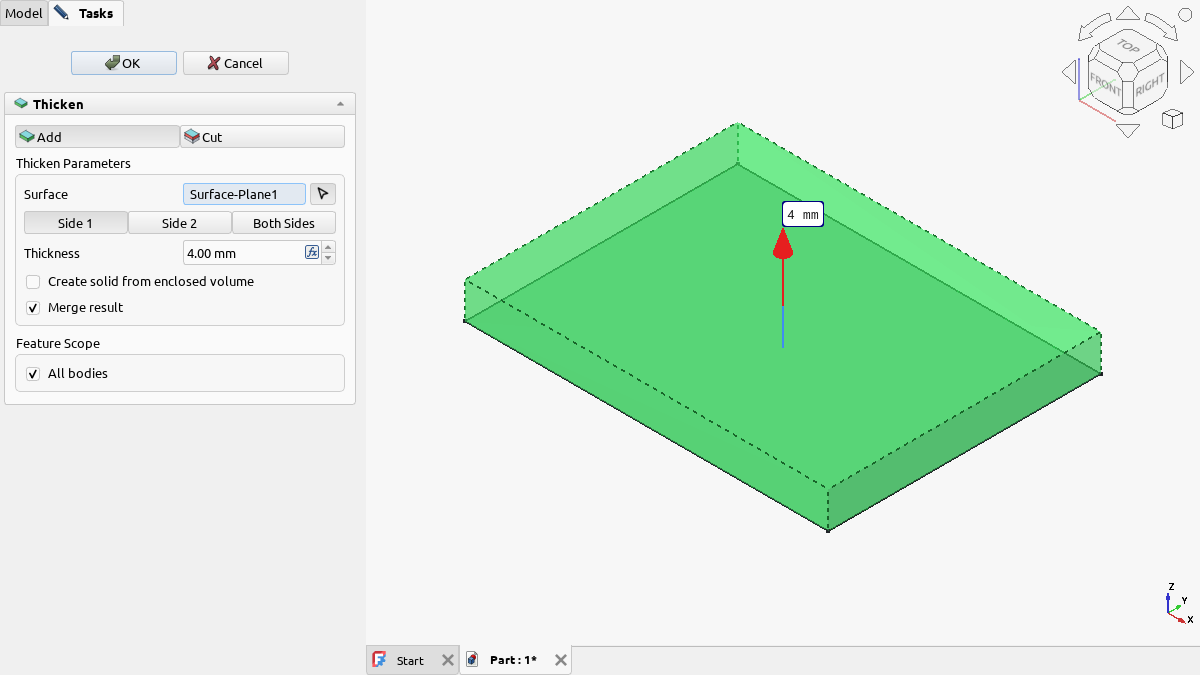
A surface body is a shape with no thickness: a skin. Surfaces build shapes solids can't easily make, then become solids with Thicken, Knit Surface or by cutting with them.
Making surfaces
- From sketches: Extruded, Revolved, Swept, Lofted and Boundary Surface. These are the sketch features with Surface pressed.
- Flat ones: Planar Surface.
- From the model: Offset Surface, Ruled Surface, Radiate Surface, Mid-Surface.
- To close a hole: Filled Surface.
Shaping them
Trim, Extend and Untrim them; Surface Flatten lays them out flat.
Back to solids
| To | Use |
|---|---|
| Give a surface a thickness | Thicken |
| Join surfaces that close a volume into a solid | Knit Surface |
| Cut a solid with a surface | Cut With Surface |
| Push a solid's faces out to a surface | Replace Face |
Surface bodies are kept in the part's Surface Bodies folder.